Supply & inventory is Farmso’s warehouse-management layer for everything you keep on hand to run the farm — feed, medications, vaccines, supplements and general supplies. Each item tracks its quantity, unit, storage location and a reorder point, so Farmso knows the moment you are running short and flags it as good, low or critical before you run out.
It is more than a stock count. Every issue, receipt and adjustment is recorded as a stock movement, giving you an auditable history of what came in, what was used and what is left. For temperature-sensitive items — vaccines and cold-chain medicines — Farmso adds cold-chain monitoring: it watches sensor readings and transport temperature logs and raises an excursion when a reading falls outside the safe range.
Use case
A farm keeps three vaccines in the medicine fridge. Farmso holds the reorder point for each; when the brucellosis vaccine drops to its last few doses the item turns low and appears in the Farm home “needs attention” list. The manager reorders in time. A week later the fridge sensor logs an overnight temperature spike — Farmso flags a cold-chain excursion on the affected lot so the compromised doses are pulled before they are ever used on an animal.
Manage stock
- 1
Open Supply Chain
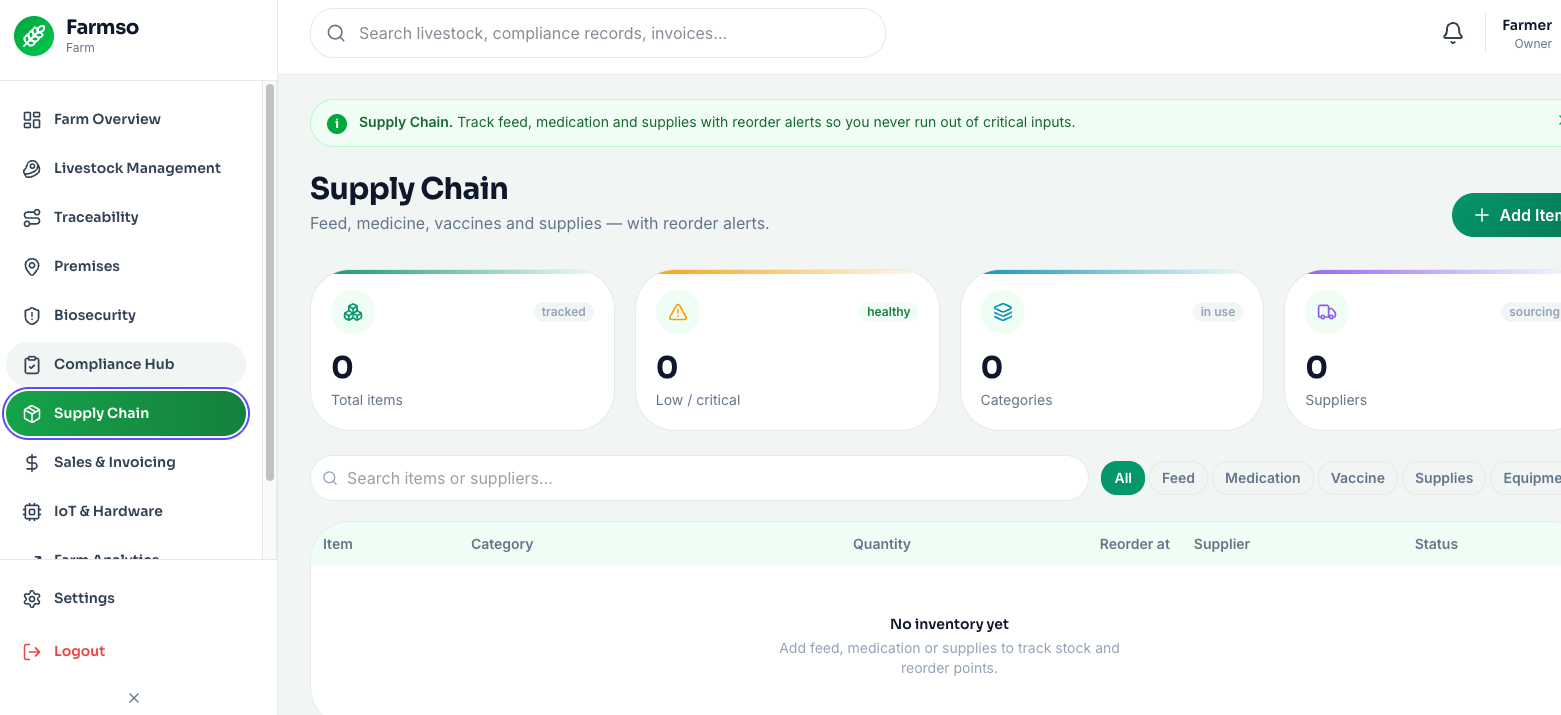
In the web app sidebar choose Supply Chain to see all items with their on-hand quantity and a good/low/critical status pill.
- 2
Add an item
Click Add and enter the name, category (feed, medication, vaccine, supply), unit, current quantity, storage location and a reorder point.
- 3
Record a movement
Log receipts, issues and adjustments — each writes a dated stock movement so the running balance and history stay accurate.
- 4
Watch the cold chain
For temperature-sensitive items, review sensor readings and transport temperature logs; Farmso highlights any excursion so you can quarantine the affected stock.
Adjust stock in the field
- 1
Open Inventory
From the More grid tap Inventory to see your items as a list, each with a low-stock pill when it needs attention.
- 2
Quick-adjust
Use the + / − buttons on a row to bump the quantity up or down as you receive or use stock — no forms, one thumb.
- 3
Add an item
Tap + to add a new item with its category, unit, quantity and reorder point.
- 4
Works offline
Adjustments queue in your Outbox and sync when you are back in range, so stock stays right even in the store shed with no signal.
A cold-chain excursion means a vaccine or medicine may no longer be effective. Farmso flags the affected lot so you can quarantine it — do not administer stock from an excursion until it has been assessed.
FAQ
They are stock-status bands based on each item’s reorder point: good = comfortably above it, low = at or approaching it (reorder soon), critical = at or near zero (reorder now). Low and critical items surface on the Farm home “needs attention” list.